Add a person
Name, time of day and who should be notified. With a smartphone, a tablet or no internet at all, by phone.
Your mum lives alone? With Wavumo you know every day that she is fine. She taps a big button once a day, and without a smartphone she simply gets a short call. If she does not check in, she first gets a friendly reminder, then you get a message. No tracking, no camera.
You set everything up. Grandma doesn’t have to learn anything: she just sees one big button, or simply gets a phone call.
Name, time of day and who should be notified. With a smartphone, a tablet or no internet at all, by phone.
One big button, hold for three seconds, done. If they like, they share how they feel or log blood pressure and pulse.
The family sees at a glance: everything’s fine. And if not, there’s a gentle reminder, then contacts are notified one after another.
Every day at the usual time, the phone rings. A friendly voice asks if everything is fine. A quick “yes” is enough, or press 1. The family sees it instantly in the app.
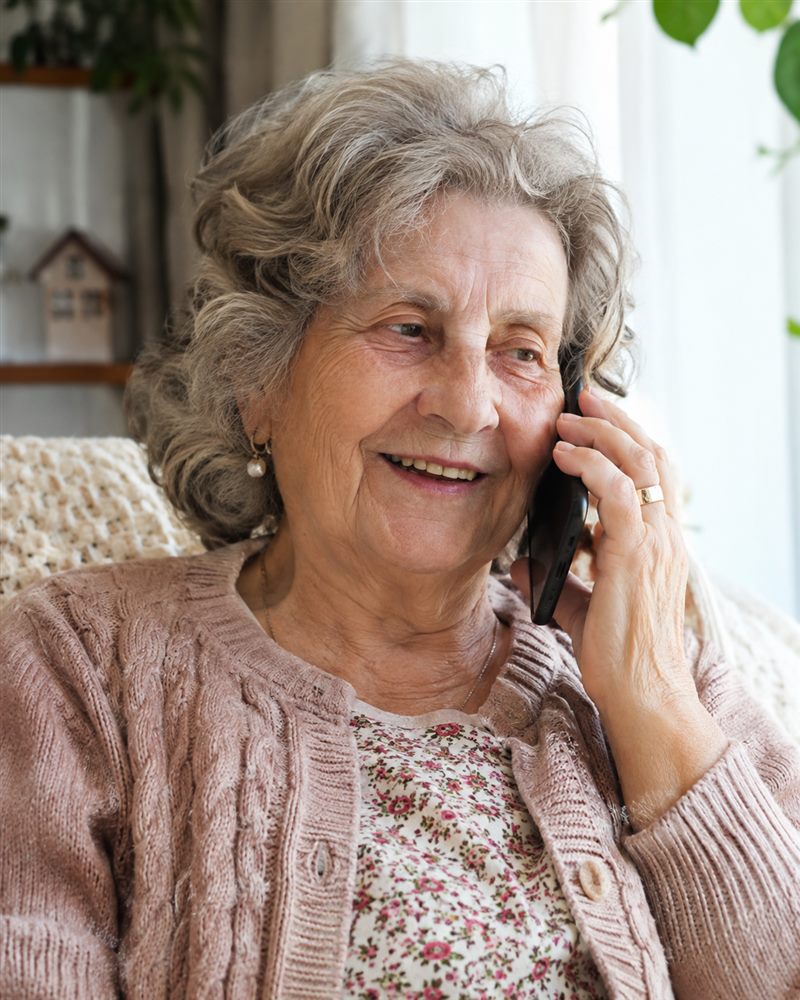 📞 Wavumo is calling · 9:00
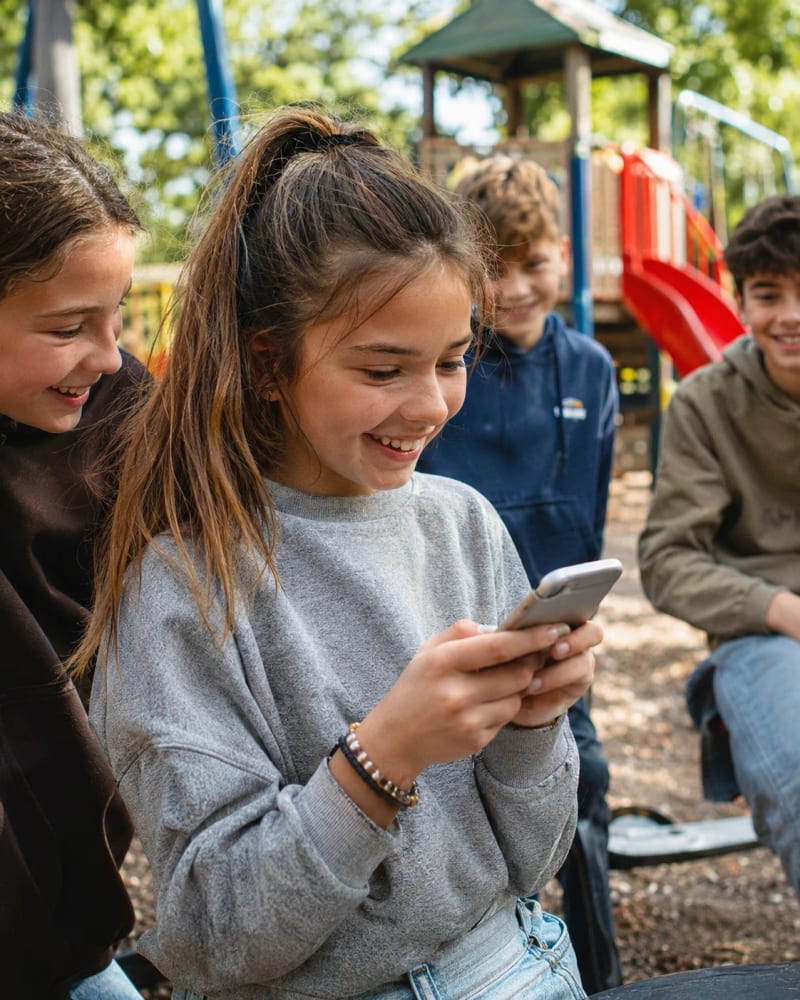 👧 Lena · 15:42
School, home or out with friends: your child taps a ready-made button and you instantly see that everything is fine. No typing, no constant tracking.
Wavumo is not a babysitter. Your mum stays in control and decides for herself what the family sees.
She taps whenever it suits her. Nobody looks over her shoulder.
No reading along and no tracking. Location only if she turns it on herself, and only when checking in.
The button is a quick “good morning” to the family. With one tap, the grandkids send a heart back.
Travelling or having visitors? One tap and there are no reminders. Afterwards it picks up again by itself.
Many parents first say: “I don’t need looking after.” These four points make the conversation easier.
You’ll also find this guide in the app, in the person’s settings.
Three views, one goal: nobody goes unnoticed when something is wrong.
Large text, a single button, no menus. Even without a smartphone, if preferred.
Instead of a daily chore: “At school”, “Home”, “Out with friends”.
For students, singles and everyone who loves being independent, but not unnoticed.
Nobody gets alarmed over a sleepy minute. But nothing gets overlooked either.
A friendly nudge on the device, or a call.
Everyone in the family gets a push notification in the app.
Still nothing? The family is notified again, urgently.
One person takes over, everyone else is informed.
or €29.99 a year · 2 months free
or €69.99 a year · 2 months free
Wavumo calls the landline or basic phone every day, and the person presses 1. Can be added to any plan.
Prices are preliminary. Monthly plans cancel any time, yearly plans at the end of the term. Billed through the App Store or Google Play. The family is always notified by push notification in the Wavumo app; calls are only for the person themselves, with the phone package.
Only the people you invite can see the data. No ads, no selling of data.
Location only when checking in and in emergencies, and only if enabled.
Your account and all data can be permanently deleted right in the app.
Wavumo doesn’t replace emergency services or a doctor. It helps make sure nobody goes unnoticed.
No. Wavumo works with a smartphone, tablet, computer or no internet at all: then Wavumo calls her landline or basic phone every day and grandma presses 1. For that there is the phone package from €2.49 a month.
First the person gets a friendly reminder. If there is still no check-in, everyone in the family gets a push notification in the app, and two hours later an urgent one. Whoever takes care of it taps “I’m on it”, and everyone else knows. A timeline in the app shows exactly what happens when.
No. Wavumo only shows whether someone has checked in and, if they like, how they feel. Location is only shared when checking in and in an emergency, and only if enabled.
Yes. Kids check in with “School”, “Home” or “Out”. In out-and-about mode, Wavumo asks every hour, for example, and can also call if preferred.
Wavumo is free for one person with a smartphone or tablet. Light costs €2.99 a month (or €29.99 a year) for up to 4 people, Pro €6.99 a month (or €69.99 a year) for up to 10 people. People without a smartphone get a daily call with the phone package, from €2.49 a month. Cancel any time.
Right after setup, Wavumo shows a personal link with a QR code. Grandma opens it once on her tablet or computer, and that’s it: from then on she only sees her big button. Until then the app shows “Not connected yet”.
Yes. Under “Invite family” you create a code for siblings, partners or friends. Everyone sees the same person and gets a push notification if they don’t check in. And when they have, you can send a heart back with one tap.
Yes, if you turn it on in the settings: blood pressure, pulse, blood sugar, weight, temperature and oxygen. Values are entered when checking in and shown as a history. Wavumo does not evaluate them medically.
On servers in Frankfurt, Germany. No ads, no selling of data, no tracking cookies. Health values and location only if you turn them on. You can delete your account in the app at any time.
Soon. Wavumo is currently in review at Apple, Android will follow. Grandma’s tablet or computer doesn’t need an app: it is connected with a personal link from the app.
Just switch on holiday mode, for example for a week or until a date. Until then there are no reminders and no alerts. Afterwards everything continues by itself.
No. In acute danger, always call your local emergency number right away (112 in Europe). Wavumo helps in everyday life so nobody goes unnoticed, but it cannot guarantee help.
Ready in three minutes. Free for one person, no credit card.